Ballistics and envelopes
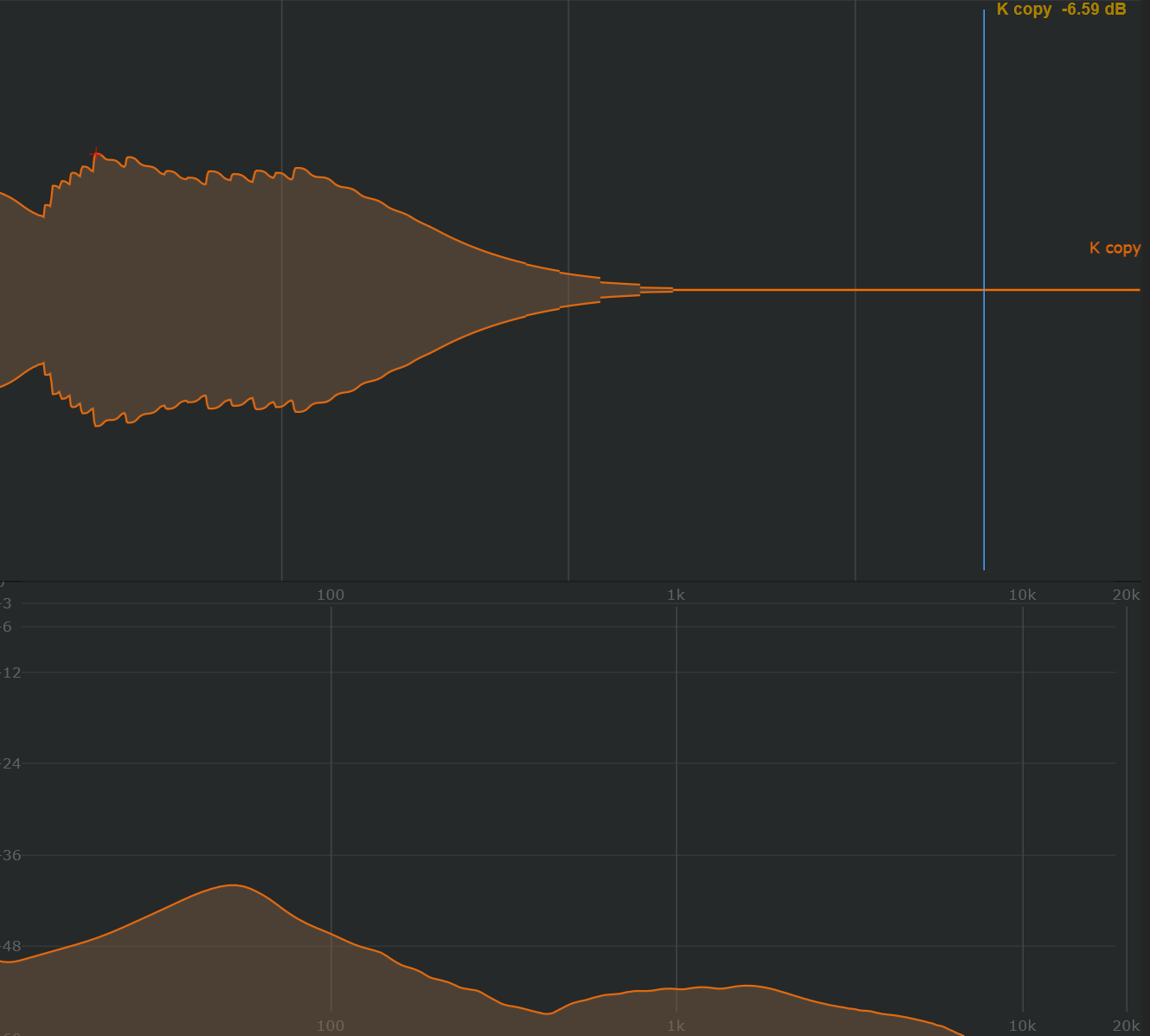
The ballistics view follows the amplitude envelope of a sound. Use it to examine the outline of an attack, body and decay without following every waveform cycle.
Open the view
- Select a sound and keep its waveform visible.
- Open show → Analyser:.
- Enable Show ballistics.
- Adjust attack and release while inspecting the same passage.
Shape the envelope response
attack controls how quickly the envelope follows a rising level. release controls how quickly it falls after the signal becomes quieter. Shorter settings follow rapid changes more closely; longer settings smooth the displayed outline.
Try the view on the kick to inspect its body and fade, then on the rolling bass to see the gaps between notes. Keep the response settings consistent when comparing sounds.
This view helps with the amplitude outline. Use cycle tracking when inspecting the pitch and period of individual oscillations, or meters for level readings.