Shaper
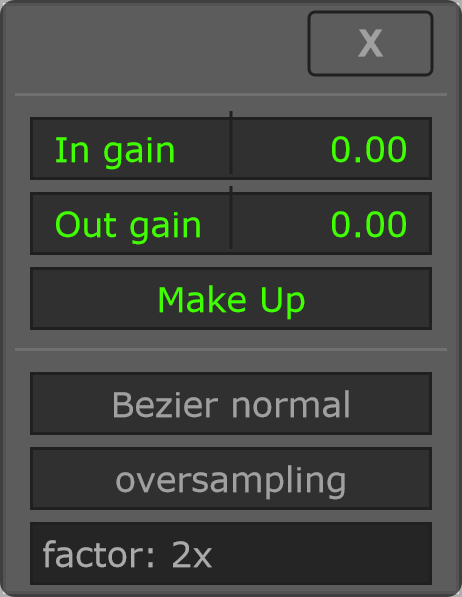
Shaper uses a Bezier waveshaping curve. In gain is applied before waveshaping and Out gain after it. Raising In gain changes how the input drives the curve; Out gain adjusts the level after processing.
Changes to In gain and Out gain use a 20 ms linear ramp in gain, shared by both channels and independent of the audio block size or oversampling factor. The ramp advances while Shaper is enabled; a new target starts from the current gain. Preparation starts at the requested gain.
Start with a small curve change and moderate input gain. Compare using the page's on/off control, then adjust output level before judging the sound. This separates timbral changes from simple loudness changes.
Shaper timing
With Shaper enabled, oversampling adds 4 samples at 2x or 6 samples at 4x, 8x and 16x to the reported plugin latency, in addition to FFT and look-ahead delay when applicable.
Dry/Wet is mixed before downsampling, so both contributions share the oversampling filters. These filters remain active at Dry/Wet zero and with global Bypass while Shaper and oversampling are enabled. Disable Shaper or oversampling to remove this latency contribution. The IIR filters have their own phase response, so this path is not sample-identical to an unfiltered dry signal.
Changes to the Shaper on/off control, oversampling factor or Mono mode use a short output ramp of approximately 2 ms. The ramp starts from the previous output sample, and the selected oversampling filters are cleared when switching configurations to avoid replaying an old filter tail. This briefly affects both output channels. Host latency follows the new configuration immediately; how a DAW handles that latency change still needs to be checked in the DAW.
Options and parameters
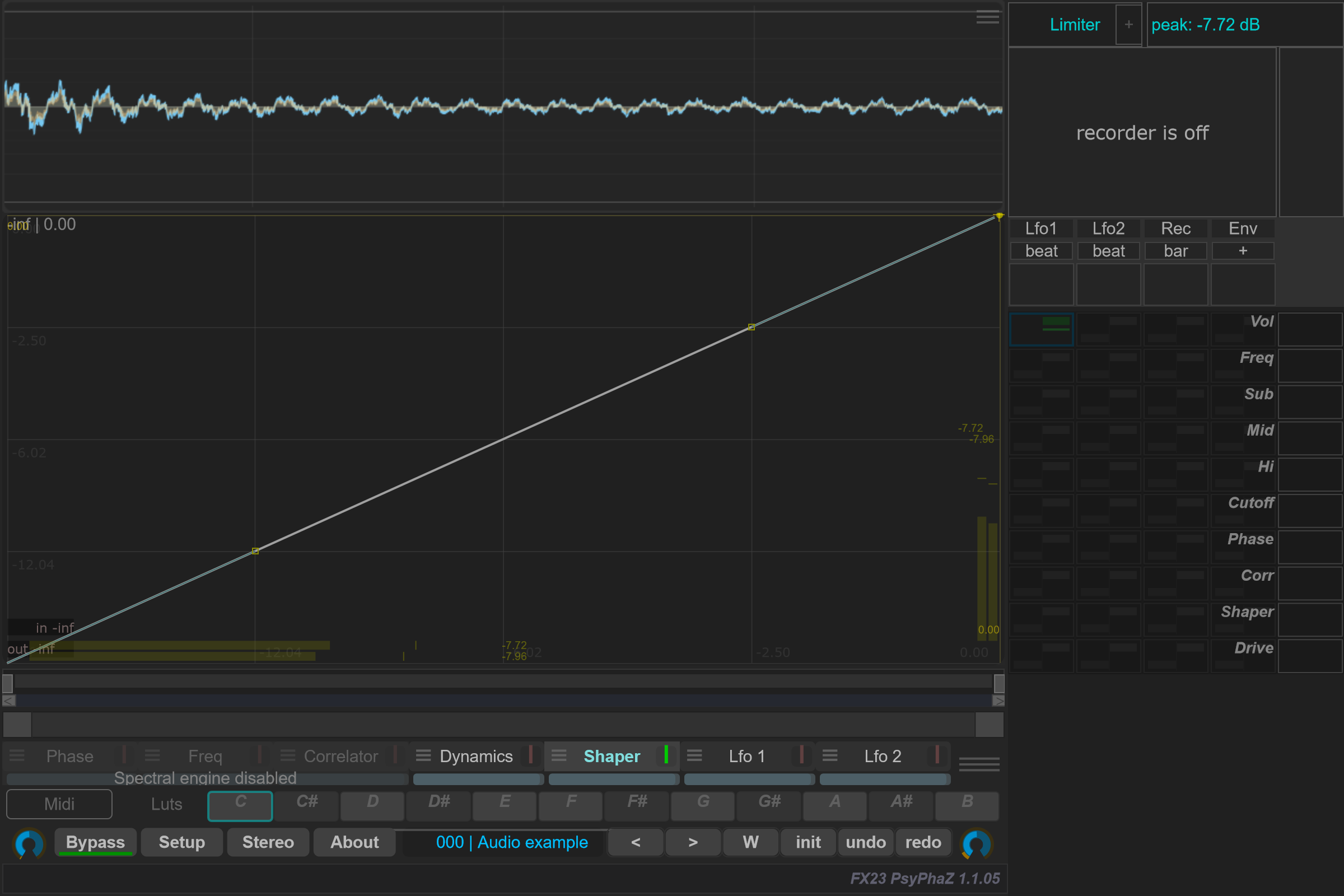
Open the small menu icon beside this case in the curve selector, or right-click its label away from the contribution bar. Select the case itself to edit its Bezier shape. Click a capture to view it at full size; displayed values are an example state.
The curve maps audio sample amplitude directly. In gain changes how hard the signal drives the curve; Out gain sets its processed output level.