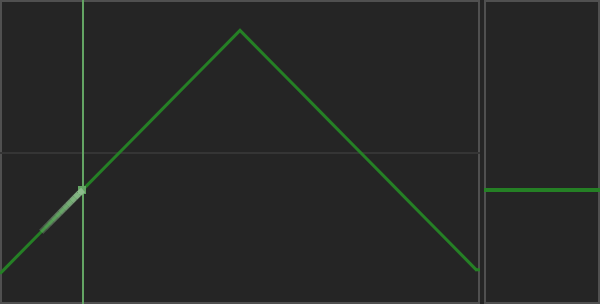
Rec — Recorder
The Recorder captures a modulation gesture rather than an audio recording. Drag its fader vertically to record movement. Its editor supports left-click drawing, right-click reset and middle-button scale/shift gestures, as described by the hover console.
Use Rec timing to choose its Sync duration. Enable the source and route it in the matrix to hear the movement.
Record a fader gesture
Enable Rec, choose its Sync duration, and keep the transport playing. Click and hold the left mouse button on the vertical fader at the right of the Recorder, then drag up and down. The red frame indicates recording. Release the button to stop writing: the frame turns green and the recorded movement plays back over the loop.
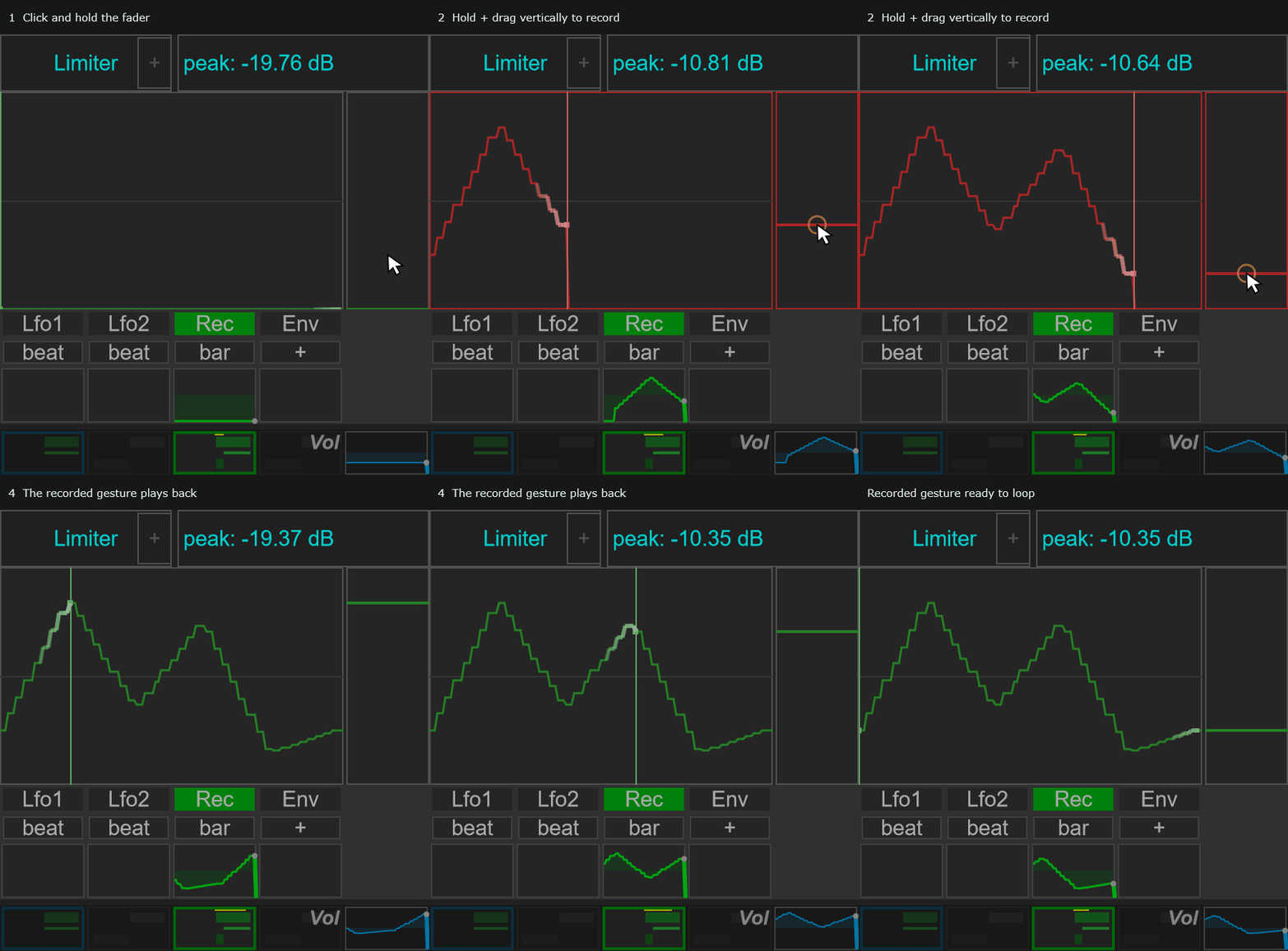
This records a modulation gesture. Enable a route in the modulation matrix to apply that movement to a destination.
Timing options and parameters
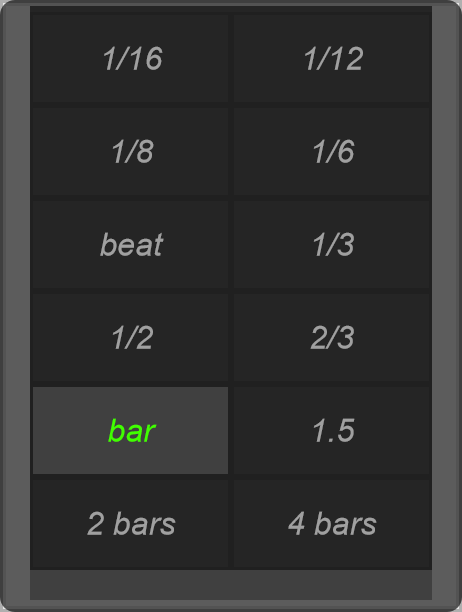
Click the duration beneath Rec in the right panel to open this menu. Clicking the Rec name toggles the source.
The Recorder menu sets the duration of the recorded modulation loop. The grid contains one parameter, Sync. Select a value to change the loop’s tempo-related duration.
Choose the duration before recording a new gesture. Keep host transport playing, then hold and drag the Recorder’s vertical fader to write movement. Release to replay it. See the animated Recorder example.