Lfo 1
Select Lfo 1 or Lfo 2 in the curve selector to edit its shape. Enable the source, open its timing menu in the right panel, and choose a Sync value to set its speed or duration.
The LFO options include trigger and audio-detection settings. Audio-dependent options appear according to the selected mode. For sidechain detection, send a sidechain signal from your host and check the selected audio source.
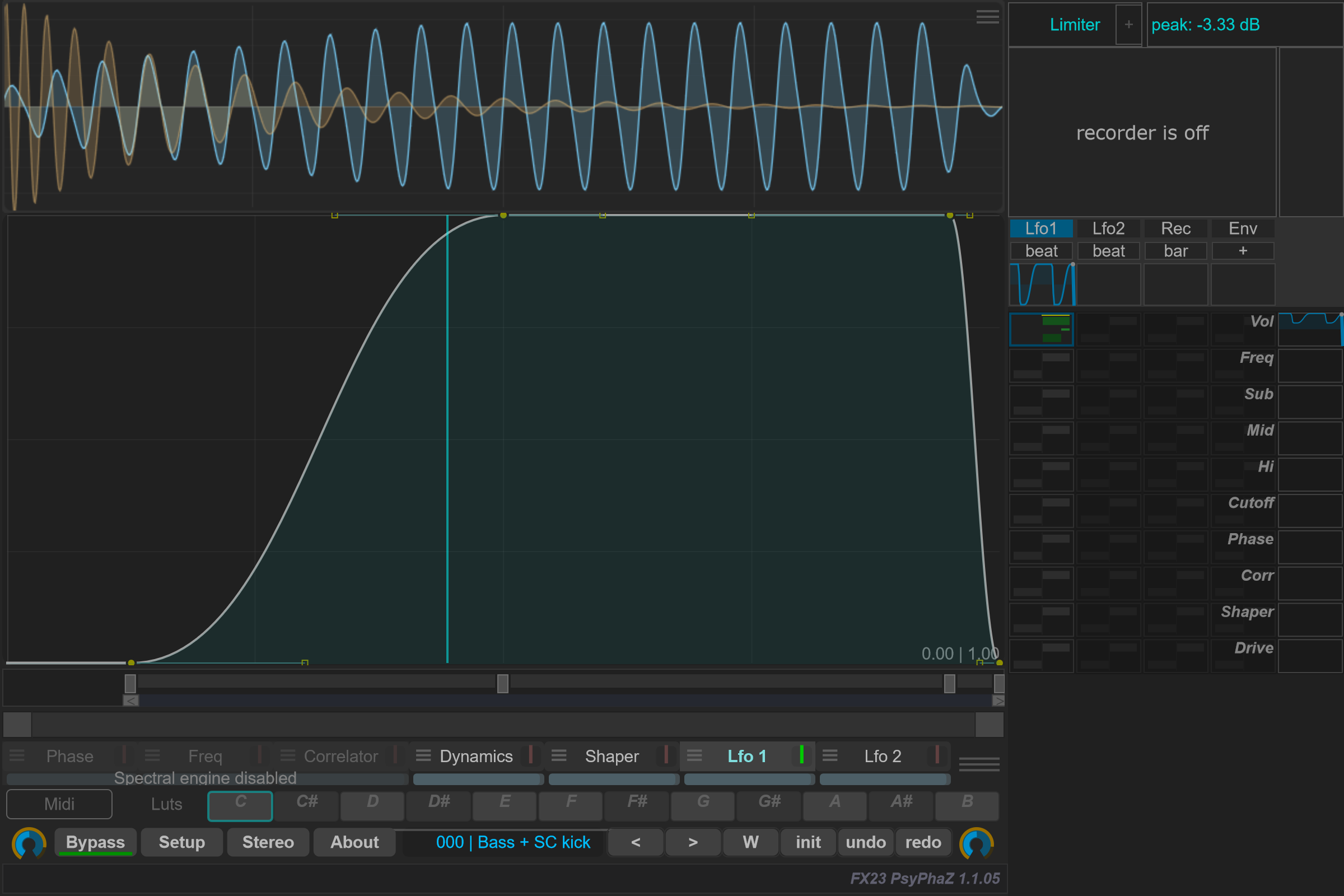
Open the timing control beneath Lfo1 in the right panel to choose its trigger mode and Sync duration. Enable this source and a route in the modulation matrix to apply its movement.
The trigger mode and Sync duration belong to this LFO. The visualization, smoothing, look-ahead, transport style and audio-detector/filter settings are shared by Lfo 1 and Lfo 2.
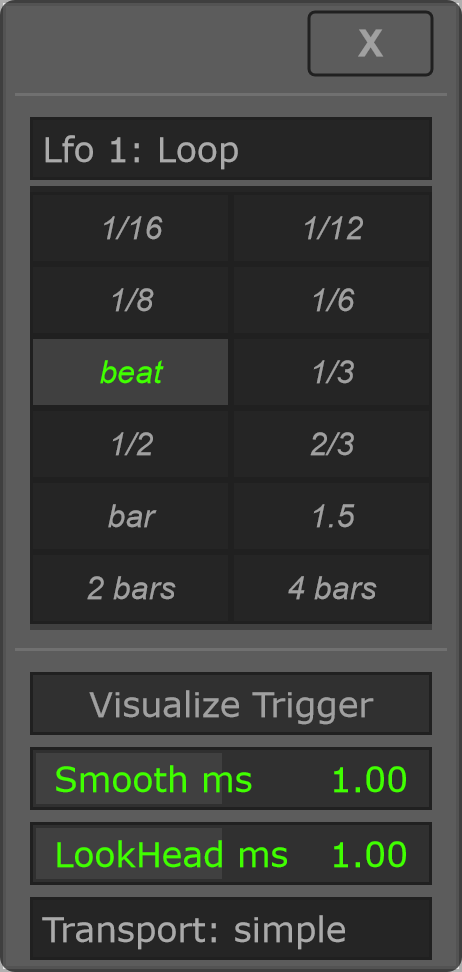
Loop
Use Loop for a repeating, tempo-synchronized modulation curve.
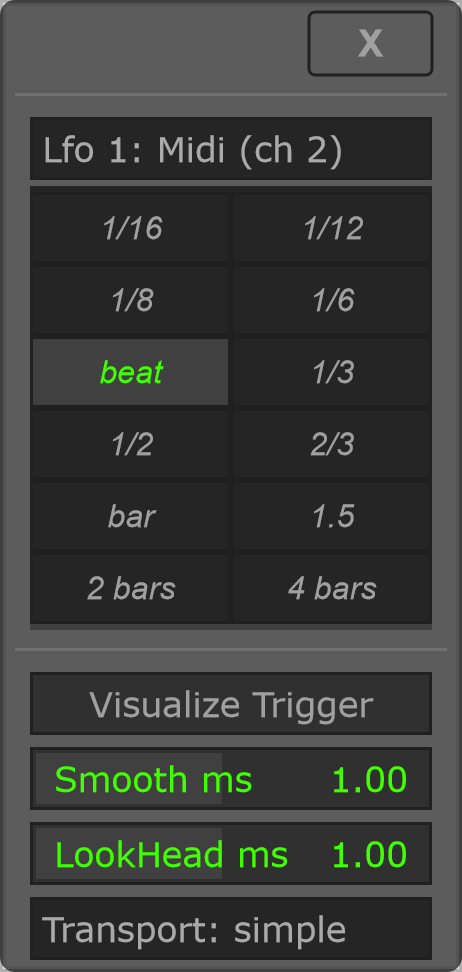
Midi (ch 2)
Incoming MIDI note-ons on channel 2 restart the curve. Sync still sets its duration; this mode does not add detector controls. Route MIDI to PsyPhaZ in the host to use it.
Audio
Audio transients restart the curve. This mode adds the Audio column; the left column keeps the controls documented under Loop. Filter controls remain visible when Pre-Filter is off, so you can prepare their settings before enabling it.
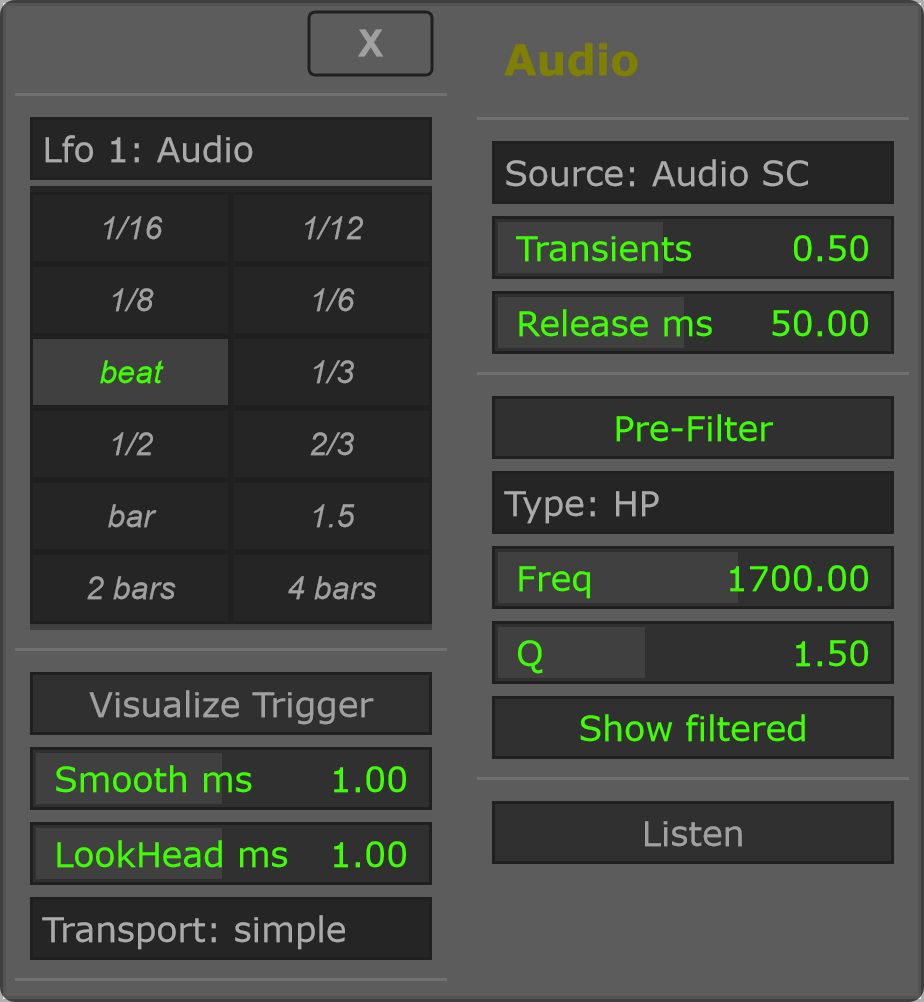
Start with Audio Self, enable Visualize Trigger, then adjust Transients while watching the scope. Use Pre-Filter to focus detection on a frequency region; disable Listen after auditioning the detector input.