Corr
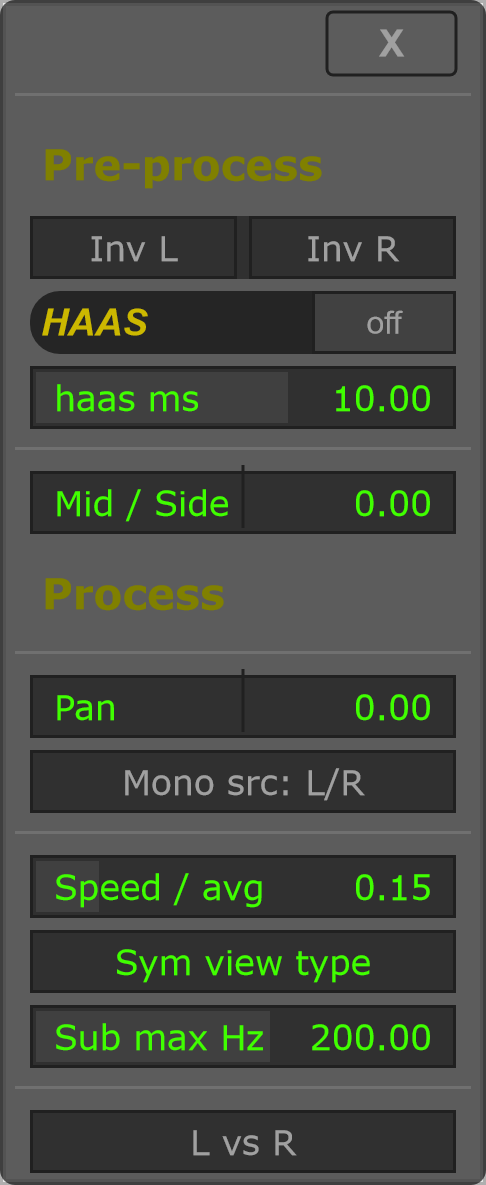
Corr (Correlator) combines spectral correlation analysis with stereo-processing controls. Its menu includes Inv L, Inv R, HAAS, Mid / Side and Pan.
Analysis can compare L vs R, or compare input and sidechain as mono signals with SC vs Input monos. Choose the comparison that matches your routing. A sidechain comparison requires the host to supply sidechain audio.
Speed / avg changes analysis averaging. Sym view type changes the visual representation; when enabled, its menu guidance identifies green as in phase and orange as out of phase. Use analysis alongside listening when comparing stereo changes.
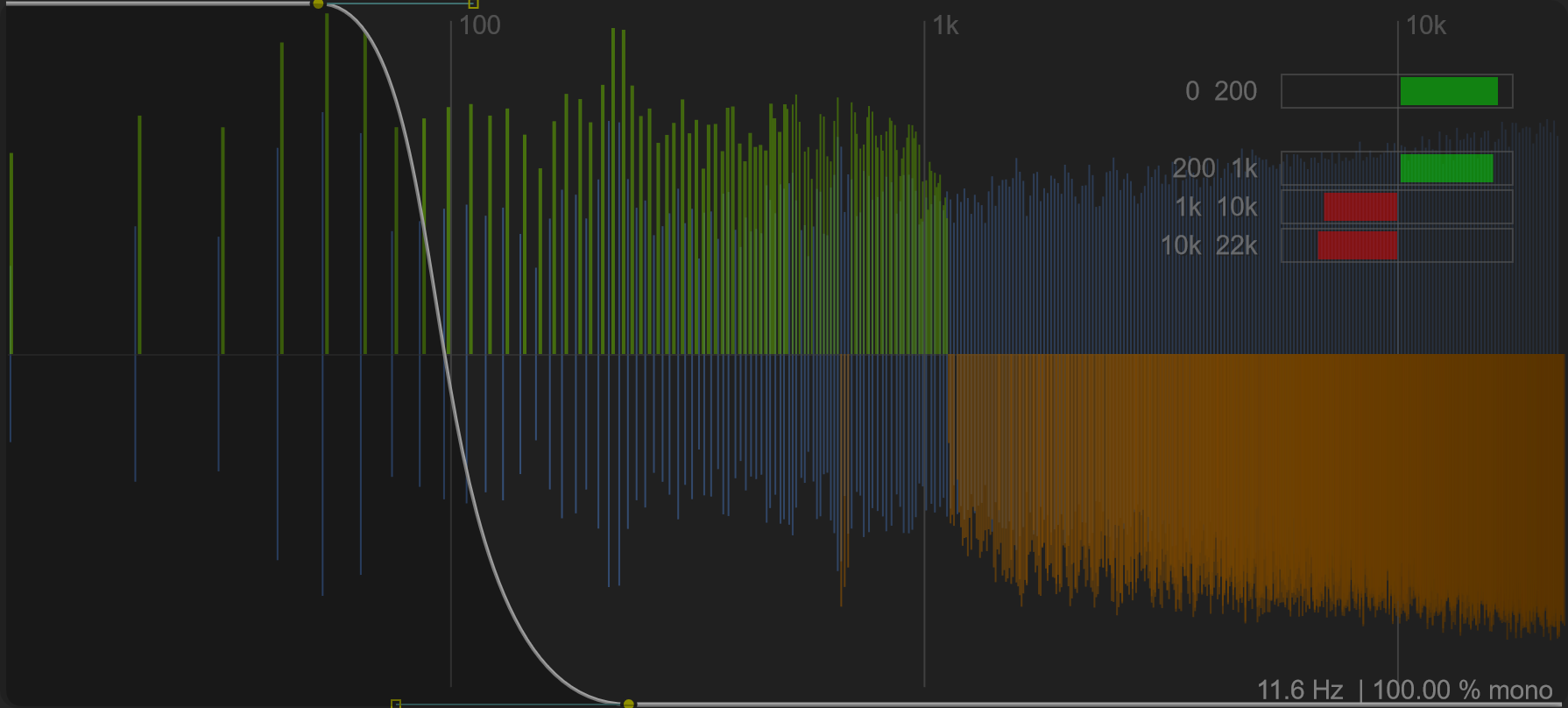
Legacy and extended width
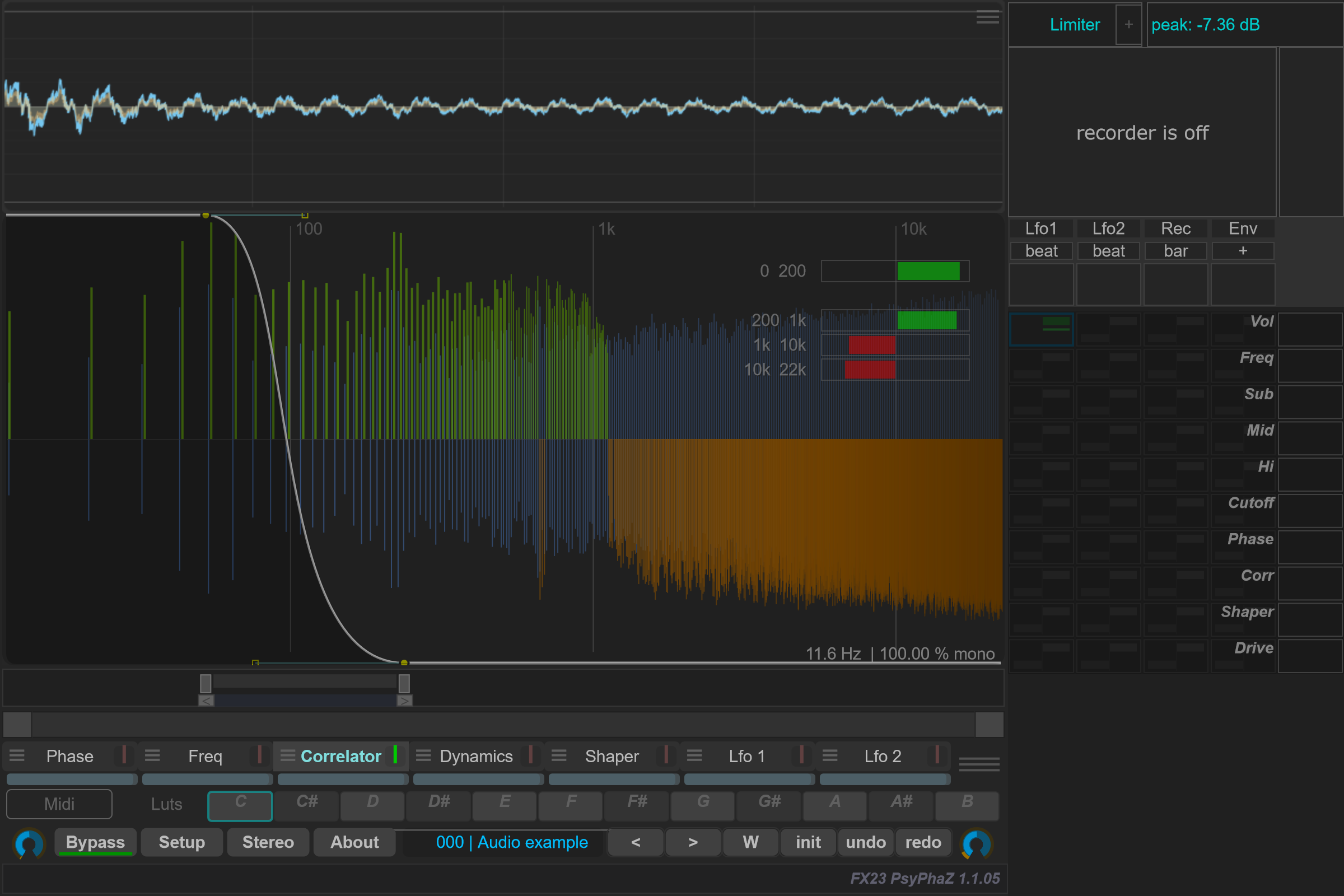
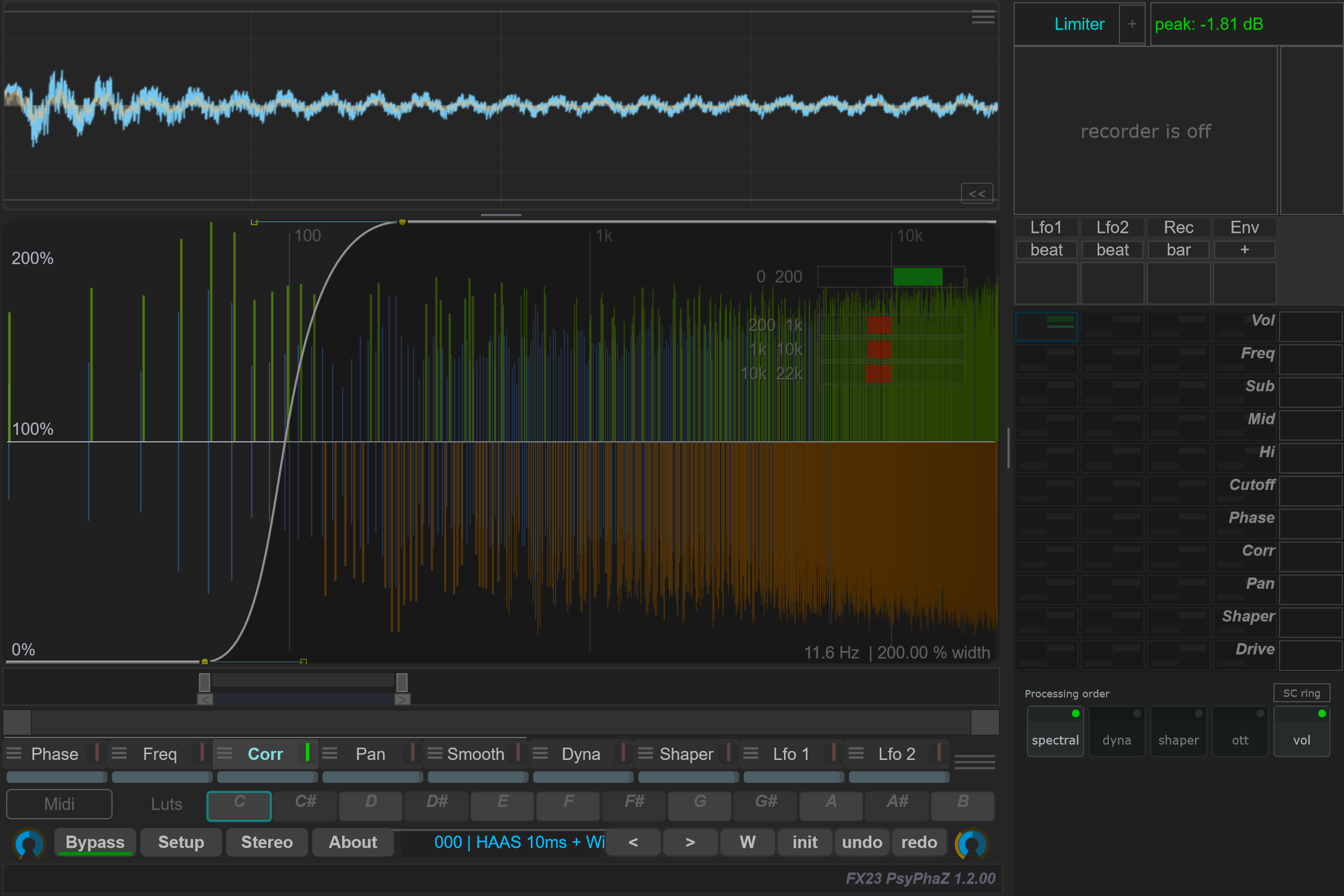
The capture on the left uses Width 0-100% (Legacy), the historical Corr mode used by older programs. Choose Width 0-200% in the Corr menu for the extended range shown on the right: the bottom is 0% (mono), the centre is 100% and the top is 200% width. Its horizontal centre line marks 100%.
The right-hand example also enables HAAS at 10 ms and vertically inverts the Legacy curve: the lows move toward 0% width and the highs toward 200%. HAAS adds a delay to the right channel. These extra changes are part of this example; switching the width range alone does not move the curve points. The selected range is saved in the program. Click either image to open it at full size.
Options and parameters
Open the small menu icon beside this case in the curve selector, or right-click its label away from the contribution bar. Select the case itself to edit its Bezier shape. Click a capture to view it at full size; displayed values are an example state.
The upper controls affect stereo processing. Averaging, view type and the comparison selector control the correlation analysis.
Extended width
Legacy keeps the historical curve interpretation. In Width 0-200%, a centred curve gives 100% width, the bottom gives mono and the top increases width to 200%. Switching the range changes how the existing curve is interpreted; it does not move its points. The choice is saved in the program, and older programs without it use Legacy.
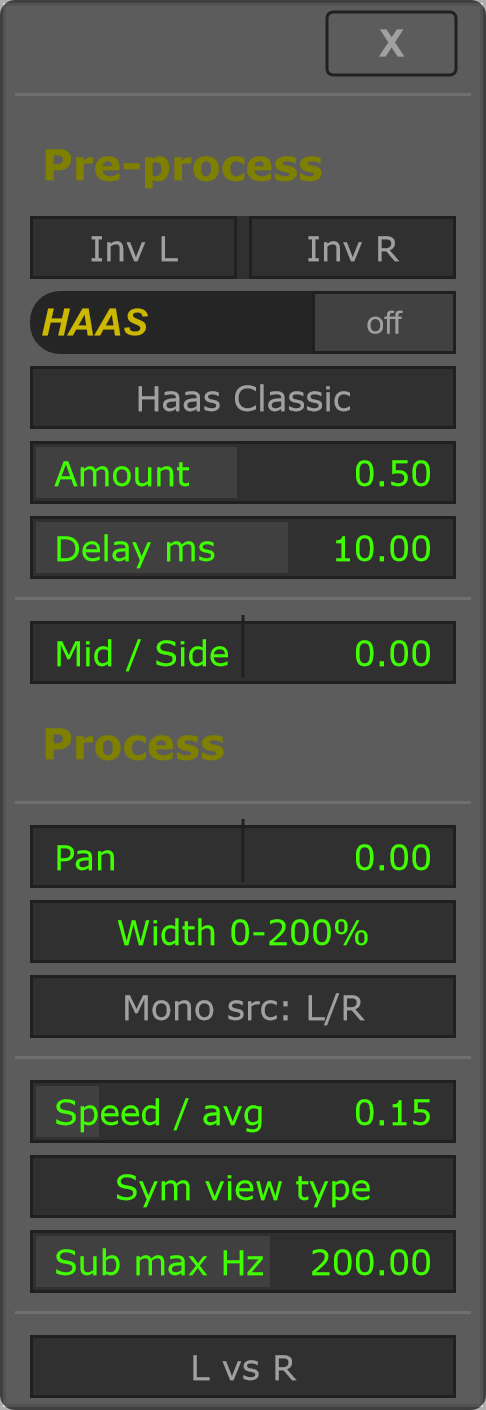
The Pan control inside Corr is its broadband panning setting. The separate Pan curve is a spectral processor; see Pan.