OTT
OTT is a three-band upward/downward compressor with linked stereo detection. Each band reduces levels above its DWN threshold and raises levels below its UP threshold. Between the thresholds, compression is neutral.
Click the ott name in Processing order to open its panel over the curve editor. Opening it does not enable processing: click the panel’s main On button or the block’s upper LED strip. Click ott again, X, or press Escape to close the panel without changing its processing state.
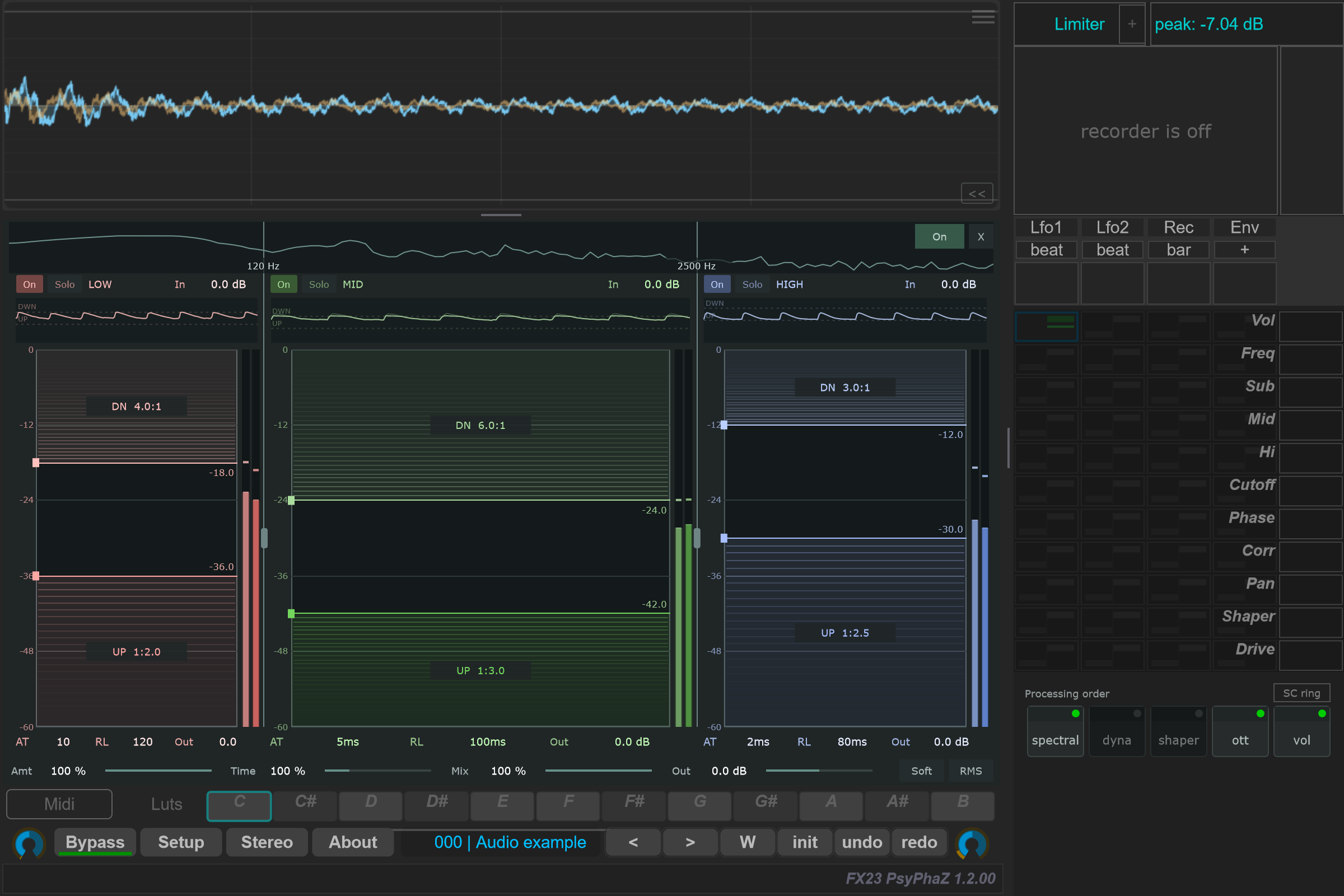
Start with one band
- Enable OTT and use a band's Solo button to hear its frequency range.
- Drag a crossover divider horizontally to set the band boundaries.
- Drag the DWN or UP threshold edge vertically. Drag inside the upper coloured zone downward toward its threshold to increase downward compression; drag inside the lower zone upward for stronger upward compression.
- Adjust AT and RL, then compare with the band's On switch. Disable Solo to hear all bands again.
- Reduce Amt for less compression or Mix to blend with the uncompressed bands. Match level with Out when comparing.
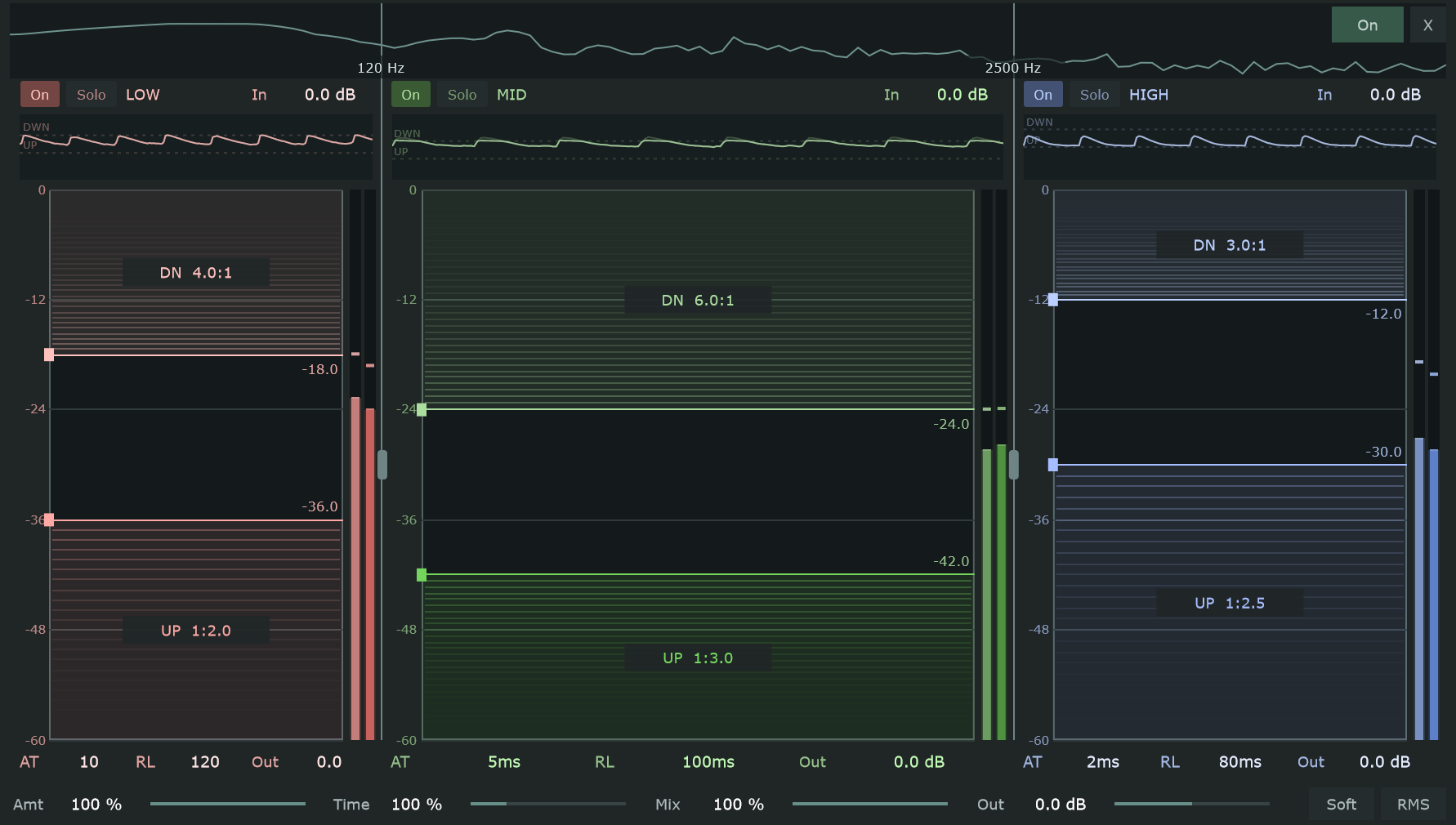
Controls and ranges
| Control | Function and range |
|---|---|
| Main On | Enable or bypass the entire OTT processor. Initially off. |
| Crossover dividers | Drag horizontally. Low split: 30–8,000 Hz; high split: 60–18,000 Hz. The high split stays at least 1.25 times the low split. Defaults: 120 and 2,500 Hz. Processing also limits the frequencies to the available sample rate. |
| Band On | Enable compression for that band. Turning it off keeps the band audible and retains its In/Out gains. |
| Band Solo | Hear only selected bands. Multiple solos combine; solo also affects the uncompressed part of Mix. |
| DWN / UP thresholds | −60 to 0 dB. Drag their horizontal edges; UP cannot move above DWN. |
| DN / UP ratios | 1:1 to infinity. Drag within the corresponding coloured zone toward its threshold for stronger compression. Right-click the zone to reset its ratio to 1:1. |
| In | −24 to +24 dB per band, before detection and compression. |
| AT | 0.1–200 ms per band. Attack; vertical dragging uses a logarithmic scale. |
| RL | 5–2,000 ms per band. Release; vertical dragging uses a logarithmic scale. |
| Band Out | −24 to +24 dB, after compression and before Mix. |
| Amt | 0–100%. Scale the compression gain change in dB; this is separate from Mix. Default: 100%. |
| Time | 10–400%. Scale all bands' attack and release times. Default: 100%. |
| Mix | 0–100%. Blend the uncompressed and processed bands. Default: 100%. |
| Global Out | −24 to +24 dB. OTT output gain. Default: 0 dB. |
| Soft | Use 6 dB soft knees around the thresholds. Initially off. |
| RMS | Use a 10 ms energy detector followed by the band's AT/RL. Off selects Peak detection. Initially off. |
Numeric controls support vertical dragging and text entry. Right-click a numeric control, threshold or crossover to restore its default. A reset may move the neighbouring threshold or crossover enough to keep their order valid. On narrow bands, some time/unit labels are omitted; hover for the control's explanation in the console.
Read the displays
The upper spectrum shows the crossover positions. Each band's short history shows roughly three seconds: dark is the level before compression, light is the compressed level, and dotted lines mark the thresholds.
The stereo meters beside each band use the same dB scale as the threshold edges. Dark bars show the level before compression; light bars and peak markers show the compressed level, before Out and Mix. Peaks hold for one second, then fall at 12 dB/s. These are compression readings, not final output meters. Attack/release and stereo linking mean that transient readings need not stop at a threshold, even at an infinite ratio.
Mix, bypass and order
OTT is an independent movable block. The default order is spectral → dyna → shaper → ott → vol. Move ott before Shaper to compress before waveshaping, or keep it after Shaper to process that stage's output. OTT adds no reported latency.
The uncompressed Mix reference is the recombined crossover bands. With OTT enabled, Mix at zero retains crossover phase; Amt at zero removes compression gain changes but retains the band gains and other controls. Global Dry/Wet also scales the OTT mix and output gain. Use main On or global bypass to compare against the incoming signal.
Upward gain is capped at +24 dB before Amt and fades away at very low detector levels. Raising the UP threshold does not provide unlimited gain for near-silence.
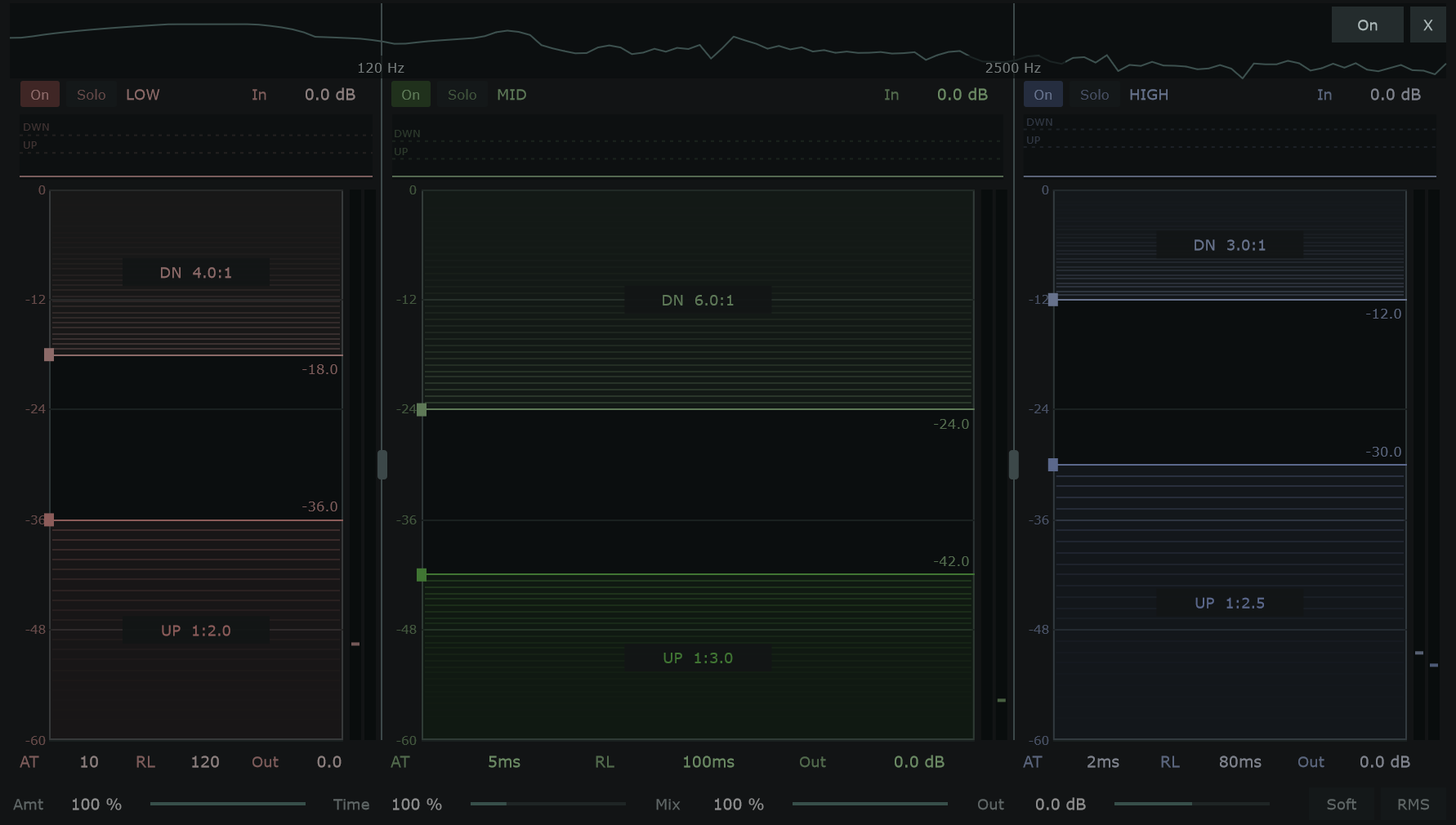
OTT settings are saved with programs, Undo/Redo and Switcher states. A full older program without OTT restores it disabled. OTT does not add a curve page or a modulation-matrix destination, and its controls are not exposed as dedicated host automation parameters.