Pan
Select Pan in the curve selector to edit its frequency-dependent curve, and enable its on/off control to process audio.
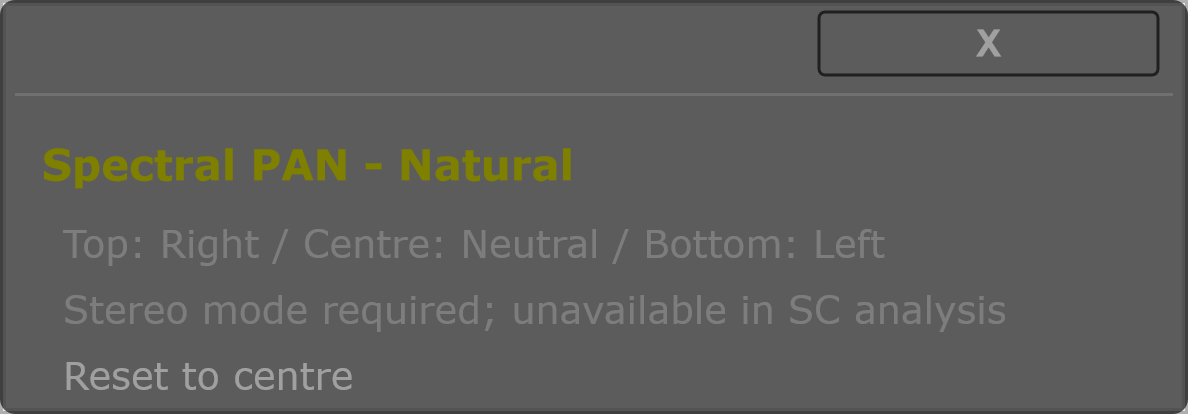
Pan moves different frequency regions toward the left or right channel. The centre of the curve is neutral, the top moves toward the right, and the bottom toward the left. Start with gentle departures from the centre, then compare using the Pan on/off switch.
Pan requires Stereo mode. It is unavailable while Corr is analysing the input against the sidechain. Its contribution control sets the depth of the curve. A centred curve remains neutral even when its depth is modulated.
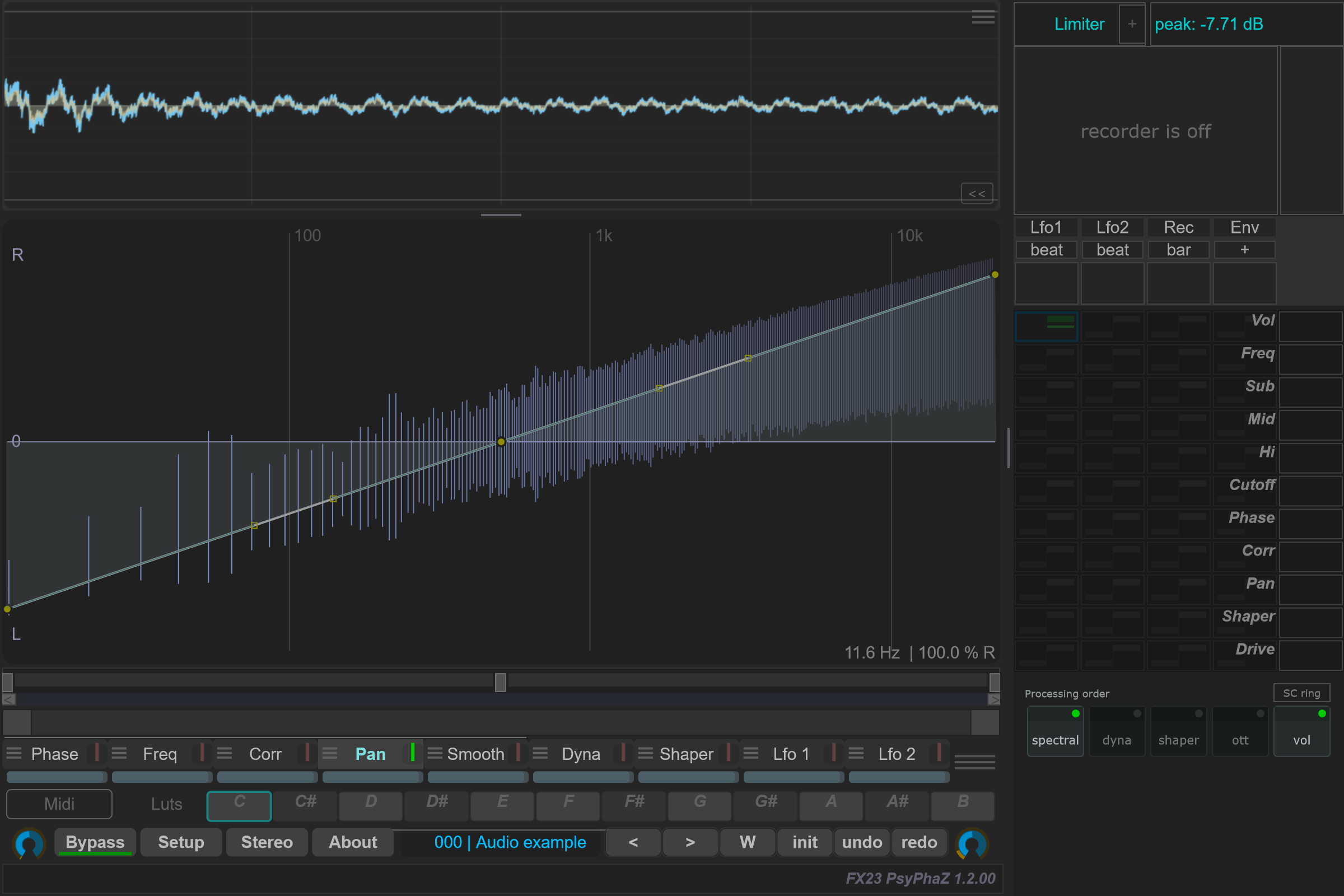
Open the detailed curve capture.
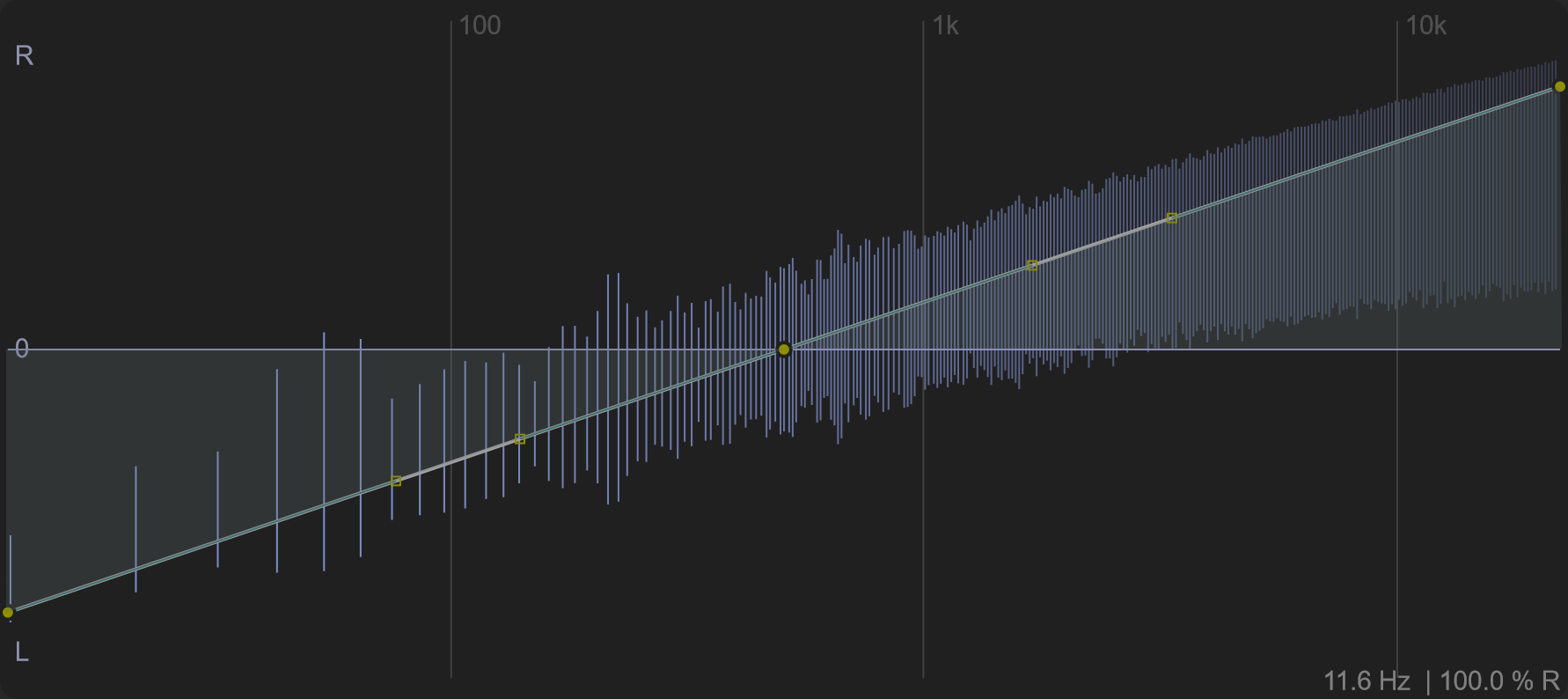
Options and parameters
Open the small menu icon beside this case in the curve selector, or right-click its label away from the contribution bar. Select the case itself to edit its Bezier shape. Click a capture to view it at full size; displayed values are an example state.
The matrix has a Pan destination between Corr and Shaper. Route Lfo1, Lfo2, Rec or Env to it to modulate the depth of the Pan curve. The range changes depth rather than directly replacing the curve with a left/right position.