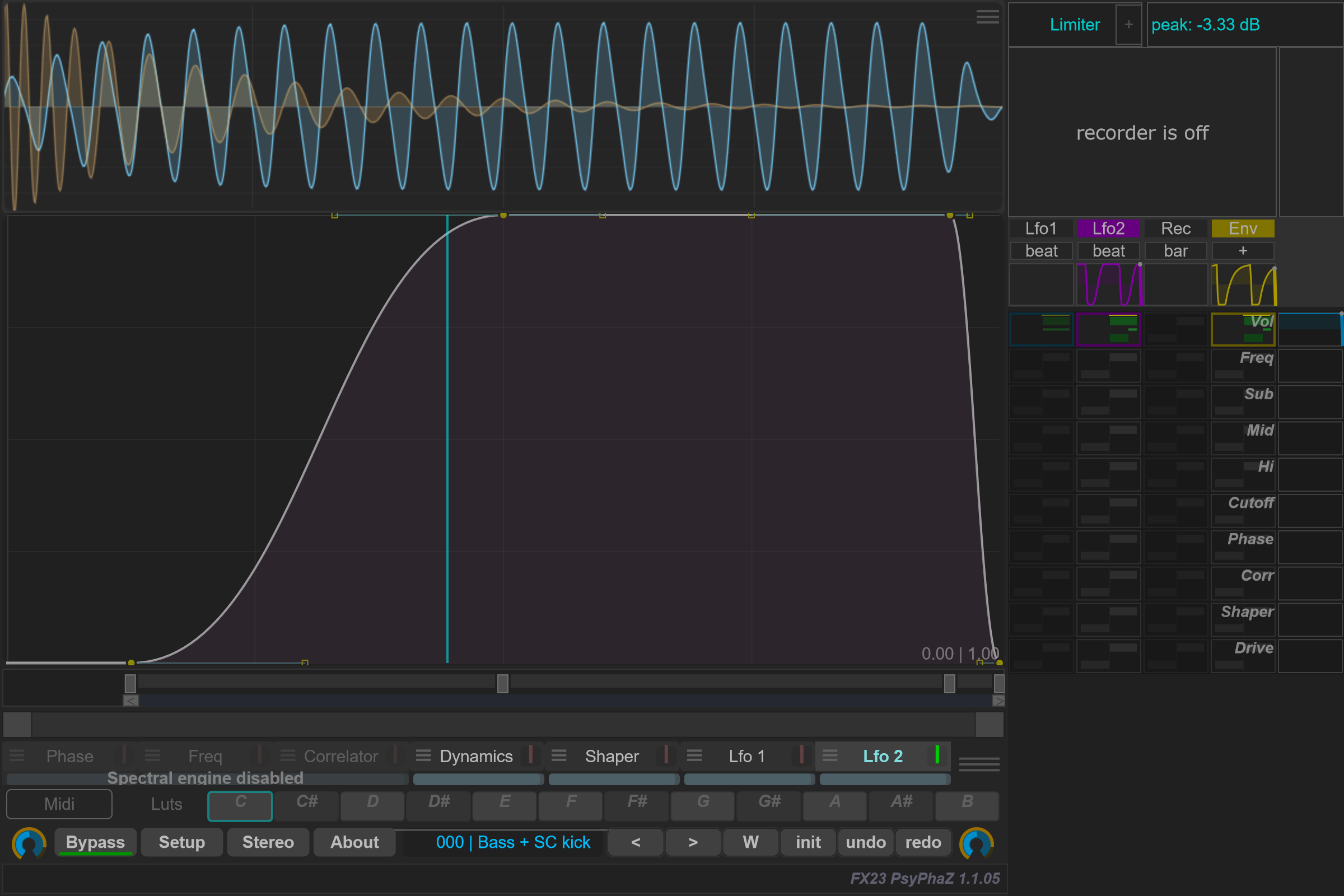
Env — Envelope follower
Open Env settings to choose Source and adjust Attack, Release and Gain. Inverted reverses the modulation direction.
Use Pre-Filter, Type, Freq and Q to focus detection on part of the signal. Listen monitors what the detector receives. Check this signal when modulation responds to the wrong part of a sound.
Sidechain pre-filter and Env setting changes are adopted at audio processing boundaries. Frequency, Q, Attack and Release changes preserve the running filter and detector histories; host preparation resets them. No additional crossfade is applied when changing these settings. Effective filter frequencies are limited below half the sample rate.
Continue with Modulation matrix to connect a source to a destination.
Options and parameters
Click + beneath Env in the right panel to open its menu. Clicking the Env name toggles the source.
The envelope follower converts the level of an audio signal into modulation. Its pre-filter lets you focus detection on a frequency range; Attack and Release determine how quickly the resulting envelope follows changes.
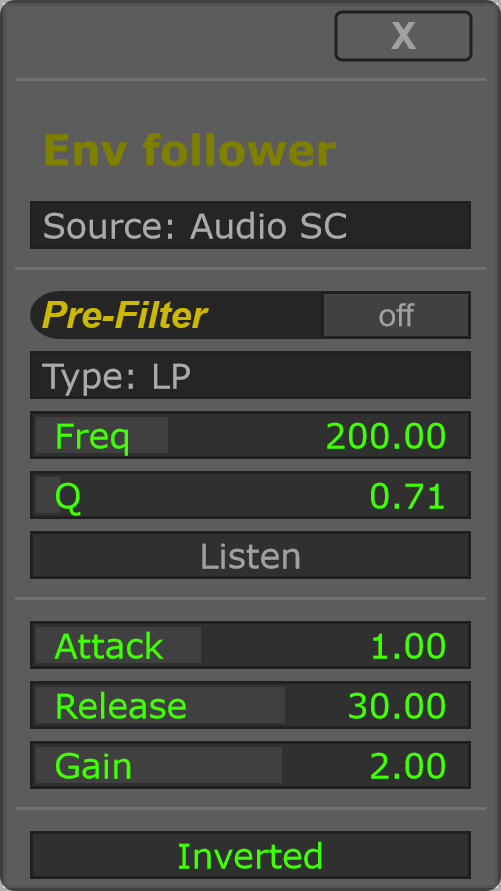
For a first test, choose Audio Self, disable Inverted and route Env to a destination. Adjust Gain for a useful modulation range, then Attack and Release for the desired movement. Enable Pre-Filter when only part of the signal should drive that movement.