Interface Overview
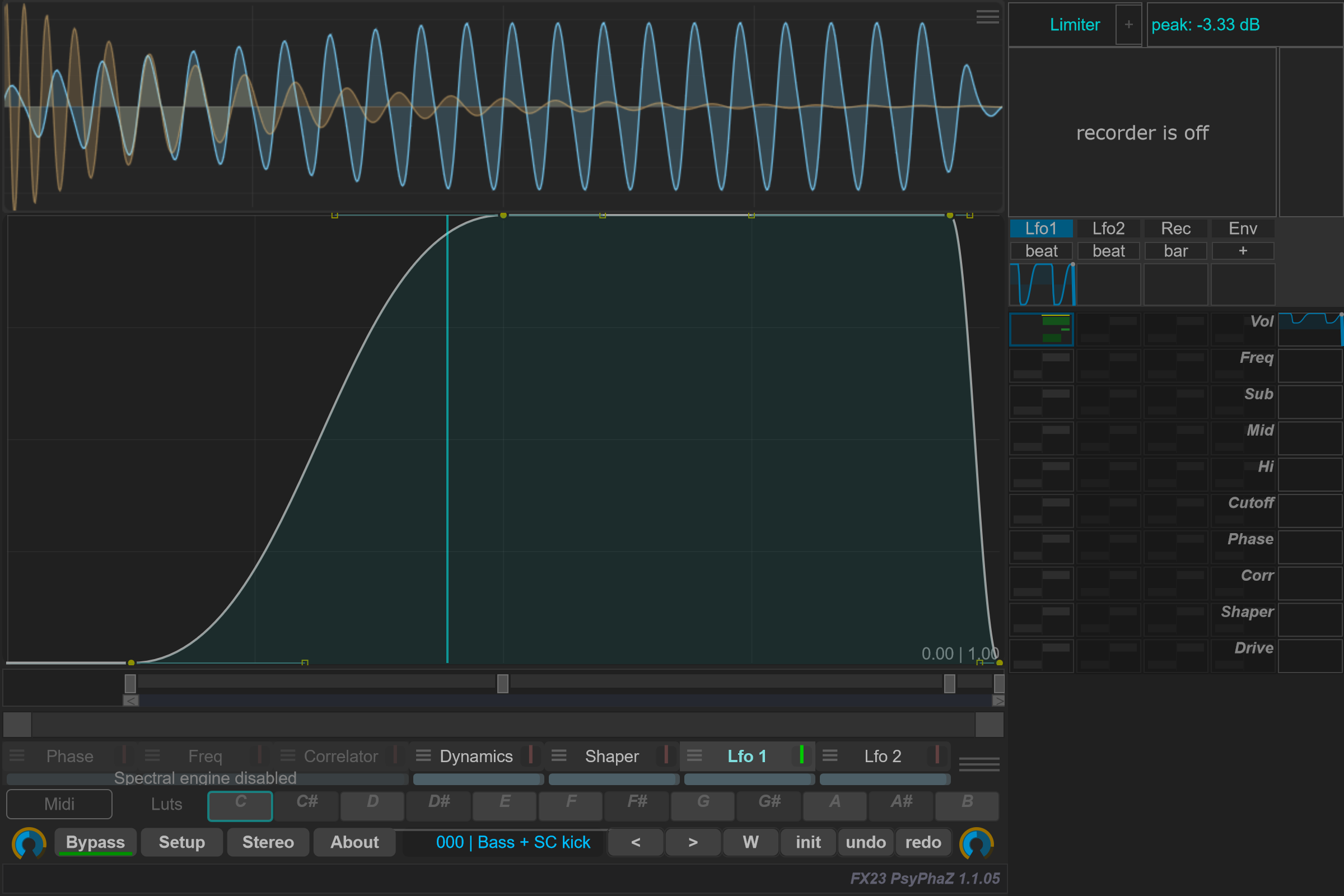
The main workspace places the scope above the curve editor. The right column groups modulation and output controls. Program controls and the Switcher sit below the editor.
Schematic guide to the workspace, not a screenshot. The compact view changes which sections are visible.
Choose what to edit
Click a curve name to select it. Use its on/off area to enable or disable it. Selection and activation are separate actions: selecting a page does not automatically enable its processing.
Open a curve's options with its menu area, or right-click its selector away from the dry/wet control. Available options follow the selected page.
Adjust the contribution
The selector includes a dry/wet control for each curve. The mouse wheel changes it; hold Ctrl for a finer adjustment. Right-click directly on the dry/wet area to restore its full setting.
Use the program toolbar for the overall bypass and global dry/wet, and the right panel for modulation sources and their routing. See Global and individual Dry/Wet for the amount bars beneath Bypass and each processor case. See Modulation matrix.
Native interface captures
These detail images use the actual PsyPhaZ 1.1.05 editor. Click an image to open it at full size.

