Local memories and presets
Banks A–H
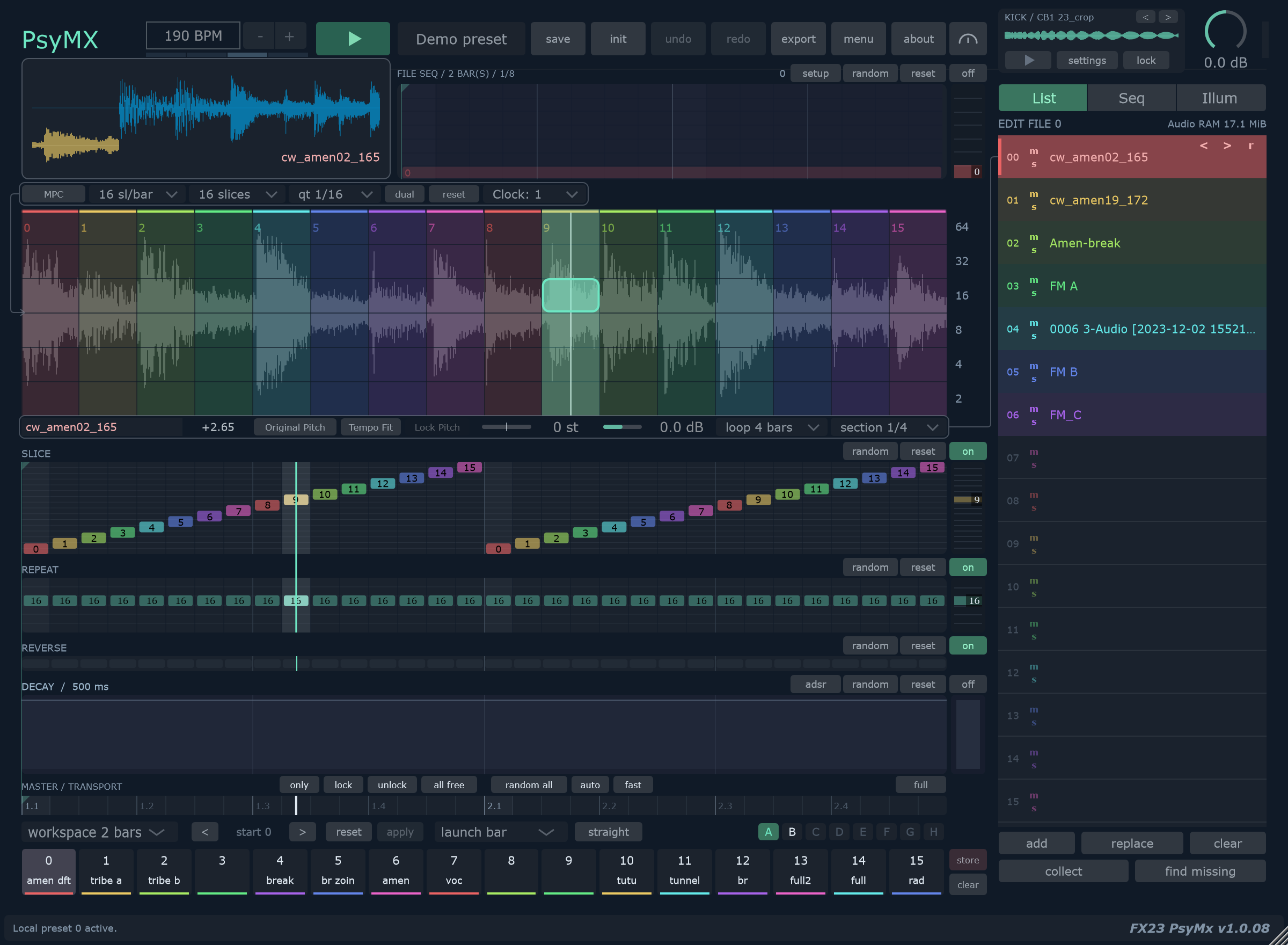
PsyMX provides 128 local memories, displayed as eight banks of sixteen. Choosing a bank changes visible memories without recalling one.
- Click store to arm storage.
- Click a target memory to store a variation.
- Click a filled memory to recall it.
Use clear, then a memory, to empty it. Reclick the armed action or press Escape to cancel. Right-click a memory for name and colour. Drag to reorder.
| Bank | Memory indices |
|---|---|
| A / B | 0–15 / 16–31 |
| C / D | 32–47 / 48–63 |
| E / F | 64–79 / 80–95 |
| G / H | 96–111 / 112–127 |
Launch
Choose immediate recall, launch beat or launch bar. Clicking a pending memory again cancels it. Beat and bar timing help switch variations during playback.
Global presets
The toolbar loads and saves global presets containing the workspace and local-memory bank. Audio remains external; use collect when moving a preset.
Saving and storage availability depend on build and registration.
Init
init opens separate choices:
| Action | Scope |
|---|---|
| Init sequence | Reset lanes; disable FILE SEQ and ADSR. |
| Reset audio settings | Reset slot processing, markers and grooves. |
| Clear audio list | Empty sixteen audio slots. |
| Clear bank | Erase the displayed bank's sixteen memories. |
| Clear all memories | Erase memories across A–H. |
| Init everything | Reset workspace, audio, kick and memories. |
Read the panel's description and confirmation before applying an action.