Kick layer
The KICK sample plays alongside the sliced sources. It can keep a steady pulse while you rearrange the loop with the matrix or file sequence.
Load and arm
Open settings in the KICK area and choose an audio source. Arm the kick play button, then start the main transport. In VST3, the DAW transport must also run.
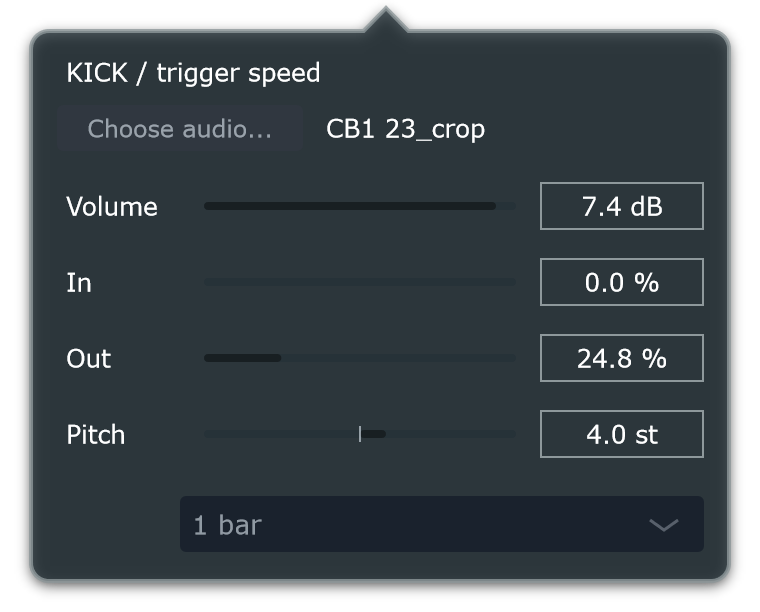
Trim and tune
In and Out select the part of the sample to play. Pitch changes playback speed and pitch together. Adjust Volume against the sliced loop before raising master volume.
Choose the trigger interval in the popup. Each trigger restarts the selected sample region; long sample tails can be interrupted by the next trigger.
Keep the pulse through variations
lock retains the kick source, playback state, volume, In/Out and pitch during local-memory recalls.
The kick follows the original transport tempo when Clock divides the lane sequence. For example, Clock: /2 makes the slice pattern take twice as long while the kick continues at its selected transport interval.
The kick passes through master volume and is included in WAV export. The slot range filters affect loop sources separately.