MPC
MPC separates slice choice from repeat rate. A gesture on the pads records slices; a gesture on the strip records repeats.
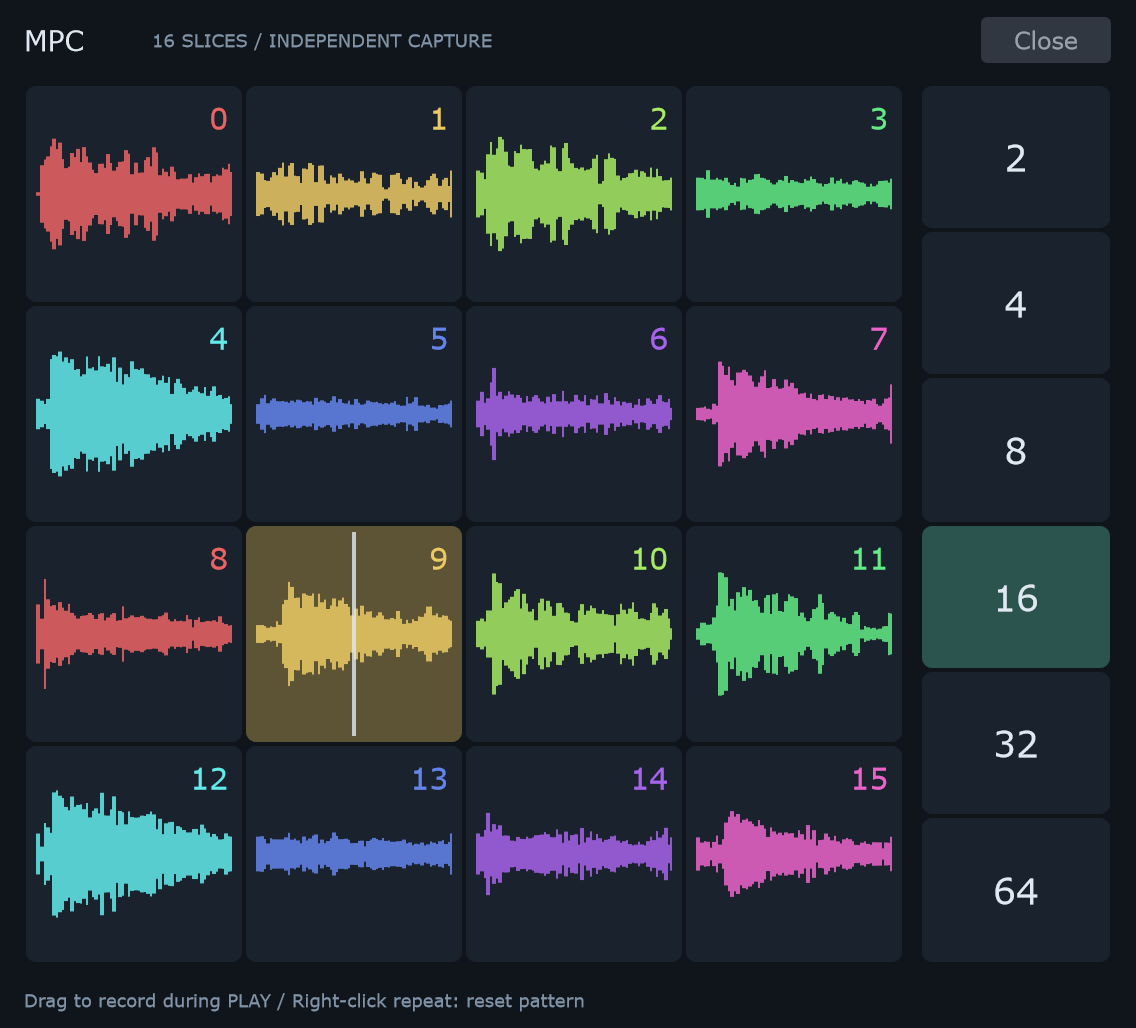
Prepare the pads
Open MPC from the matrix toolbar. In Straight mode, select 16 slices in the main window. The pad surface shows sixteen slices in a 4 × 4 layout.
The surface adapts to Triplet with twenty-four pads; the matrix must match the pad count shown in that mode. If it does not match, MPC asks you to select the required size.
Record one lane at a time
- Start playback.
- Hold and drag over the slice pads to write slice choices.
- Release; the recorded repeat lane remains independent.
- Hold and drag on the repeat strip to change repeats without rewriting slice choices.
The repeat strip runs from 2 at the top to 64 at the bottom: these mean 1/2 through 1/64. This is the opposite vertical order from the main matrix.
Leaving the surface where a gesture began pauses that capture. Returning to it resumes recording until release. Closing MPC finishes the capture.
Reset repeats
Right-click the repeat strip to reset the repeat pattern. This does not reset the slice lane.
For a fill, keep a useful slice phrase and record only the repeat strip. For a new phrase with the same rhythm, record only the pads.
Related: Matrix capture · Lanes and envelope.