Illuminatrix
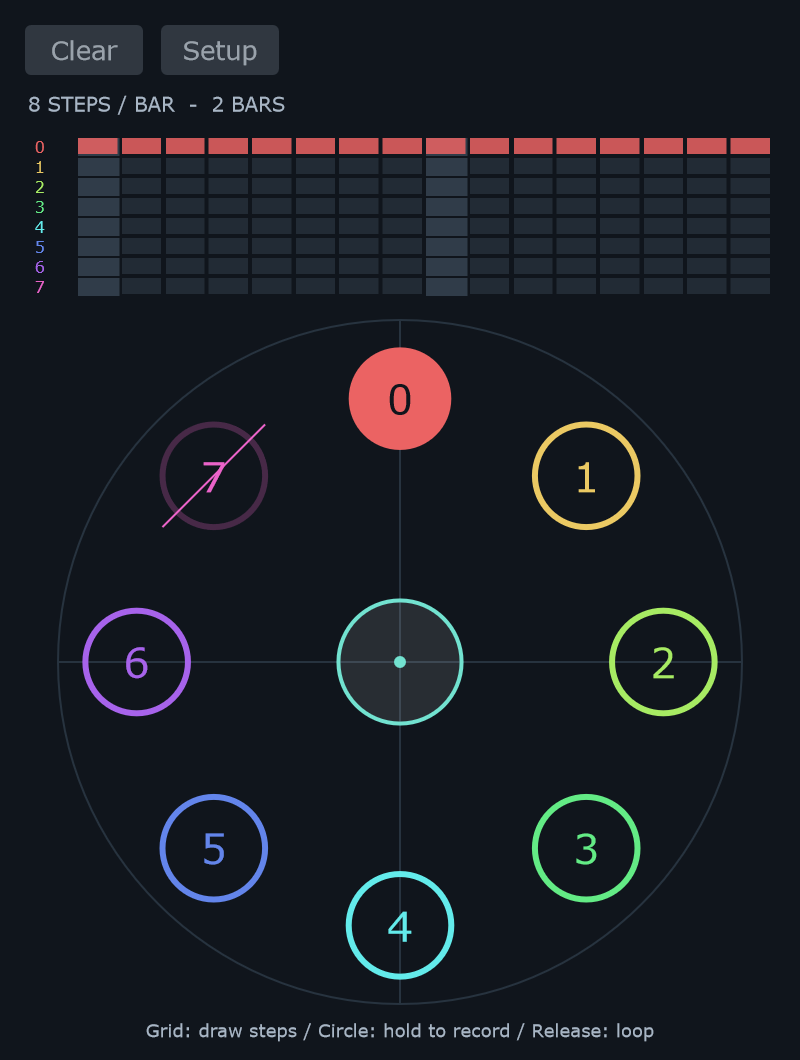
Illuminatrix turns a circular gesture into file choices. It writes to the same FILE SEQ timeline used in the main window.
View the still capture
Prepare the sources
Load several audio slots and check their Loop settings in List mode. Click Illum beside List and Seq to open Illuminatrix.
Open Setup to choose how many source positions appear around the circle. File count refers to numbered slots, so empty positions can be included.
Record and refine
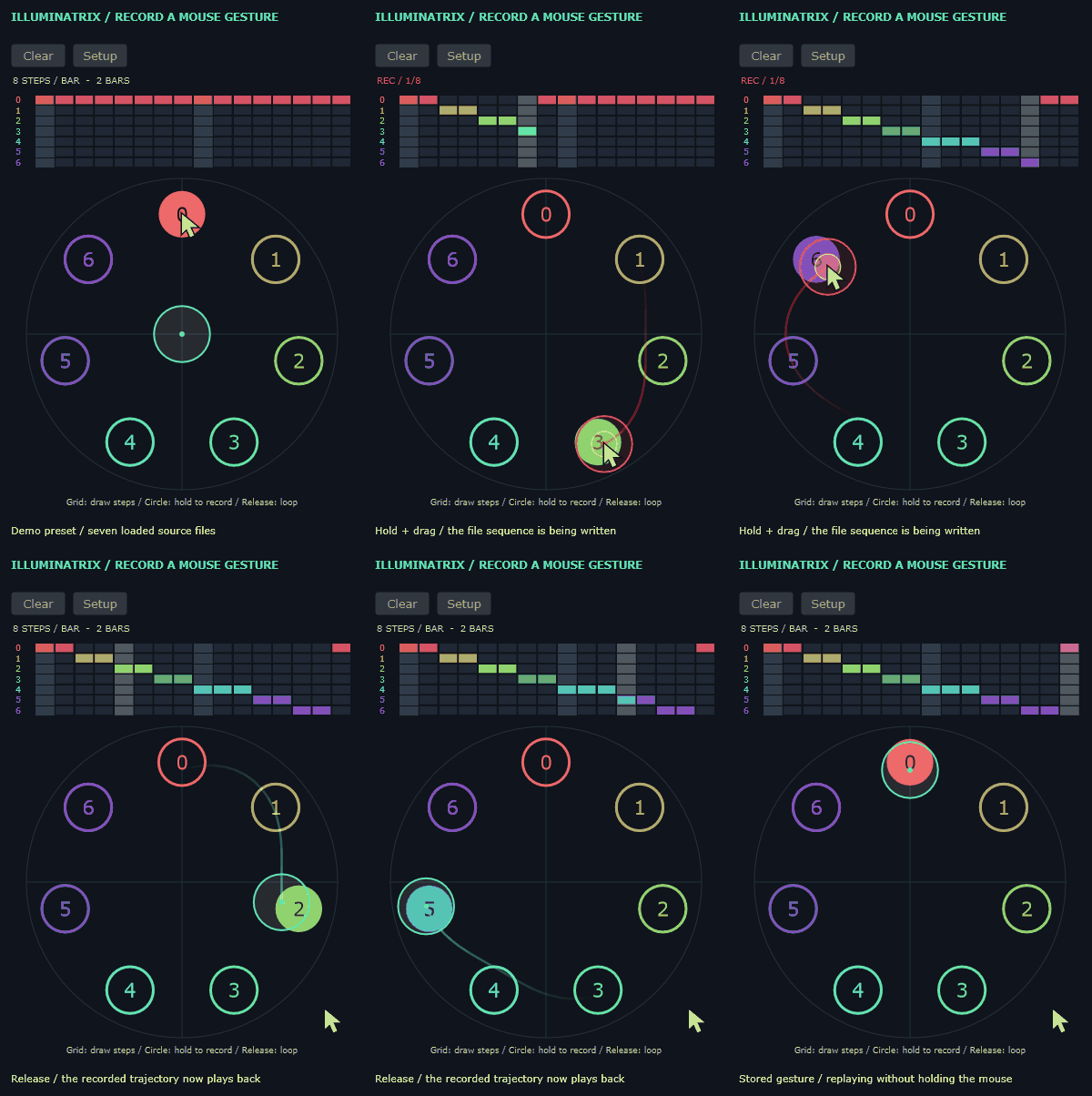
- Start playback.
- Hold and drag inside the circle. This activates Seq and records file selection.
- Release. The recorded file timeline continues looping.
- Draw in the grid above the circle to refine individual steps.
The upper grid and the main FILE SEQ are two views of the shared timeline. Editing one updates the sequence used by the other.
Right-click a row of the upper grid to fill the active timeline with that file, subject to any workspace protections.
Setup controls
| Control | Purpose |
|---|---|
| Files | Number of source positions displayed around the circle. |
| Ball radius | Size of the recording ball. |
| Trail (seconds) | Duration of the visible gesture trail. |
Use Clear to clear the Illuminatrix pattern. If you want to keep a variation, store a local memory before trying another gesture.
Related: File sequence · Workspace and clock.