FX23 · USER MANUAL
PsyMX
Slice a loop. Record a gesture. Build a performance.
Choose a source slice with one movement, set its repeat rate with another, then refine the result as a looping pattern.
1 · Prepare
Load your audio, set its musical length and choose the source section.
2 · Capture
Play the matrix, then refine slice, repeat, reverse and decay lanes.
3 · Perform
Combine files, store variations and recall them on the beat.
Make a loop your own
PsyMX turns audio loops into playable patterns. Use the main matrix for combined slice and repeat gestures, MPC for independent control, or Illuminatrix to move between source files.
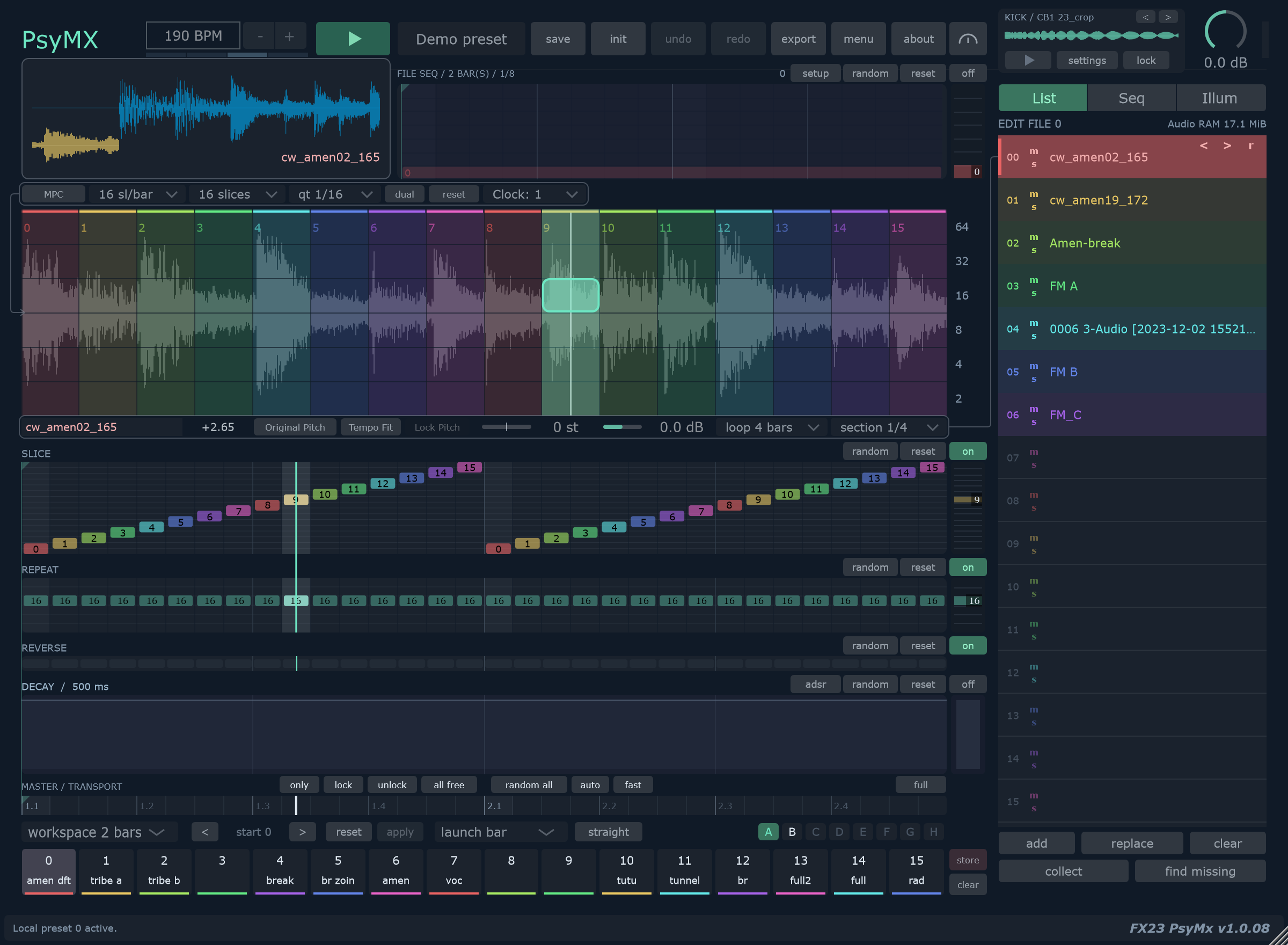
Find your workflow
| You want to… | Start here |
|---|---|
| Get a loop playing | First loop |
| Change speed or pitch | Audio slots and pitch |
| Record a combined gesture | Matrix and capture |
| Play slices and repeats separately | MPC |
| Move between source files | Illuminatrix |
| Add swing or extract timing | Groove |
| Keep a steady pulse | Kick layer |
| Store and recall variations | Local memories |
| Render or move a project | Export and collections |
| Find a mouse or keyboard command | Gestures and shortcuts |
About this edition
Instructions follow the PsyMX source reviewed on 29 October 2026. Native images are freshly generated with the included Demo preset. Feature examples use temporary variations of that preset, identified in their captions. Click a capture to inspect its original size. Detailed release requirements and installation instructions remain under review.